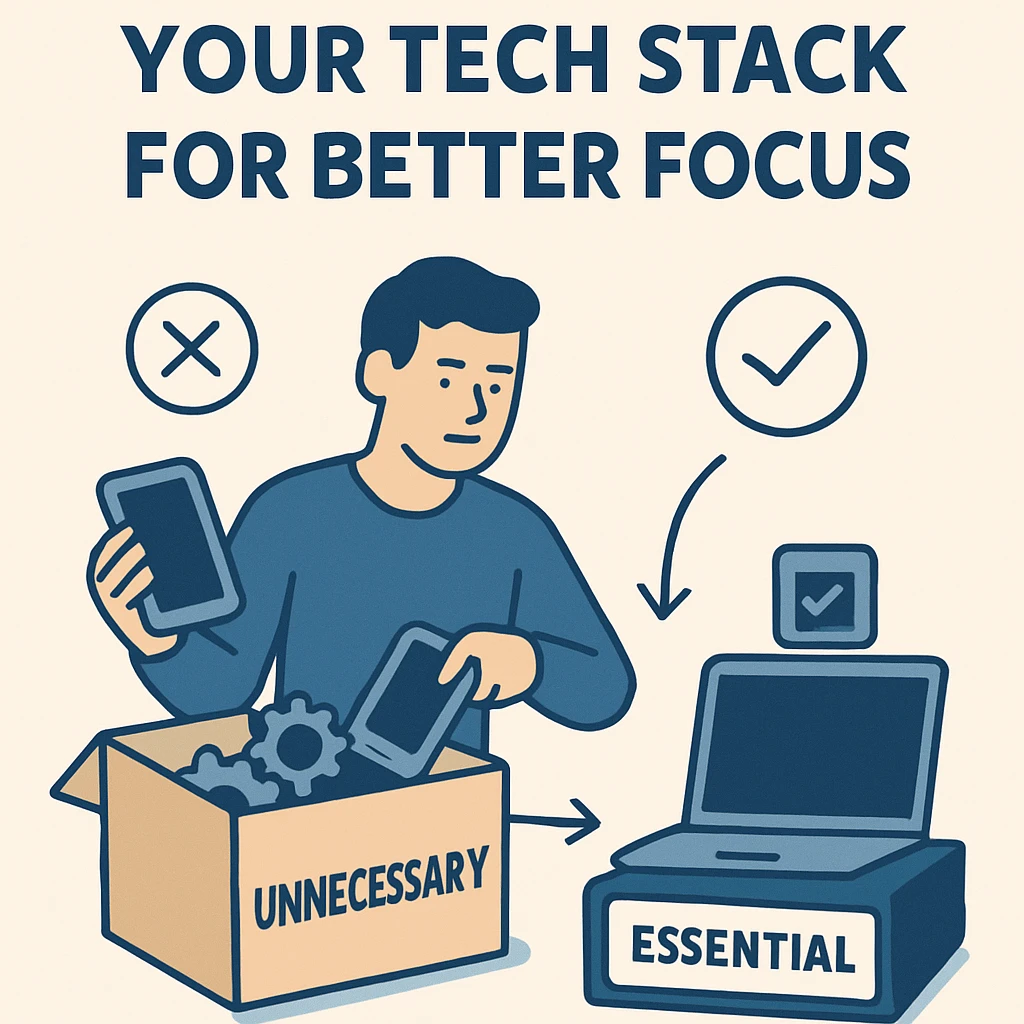
We frequently rely on a variety of tools to stay productive in the hyperconnected digital world of today. Our tech stacks seem to keep expanding, with everything from time trackers to note-taking applications, communication platforms, and task managers. However, having more tools doesn't always translate into increased productivity; in fact, it frequently has the opposite effect.
Distraction, fragmented focus, and decision fatigue can result from an overly cluttered digital toolkit. You waste more time managing updates, handling notifications, syncing data, and changing contexts when you're juggling more apps and platforms. You're not alone if you've ever felt overpowered by your own productivity tools.
The answer? Make your tech stack simpler. We'll look at what that means, why it matters, and how to do it well for more mental clarity and focus in this blog.
The Problem with a Bloated Tech Stack
Let’s start by identifying the problem. You might be using multiple apps for:
-
Task management (e.g., Todoist, Asana, Notion, ClickUp)
-
Note-taking (e.g., Evernote, OneNote, Notion, Obsidian)
-
Scheduling (e.g., Google Calendar, Outlook, Calendly)
-
File storage (e.g., Dropbox, Google Drive, iCloud)
-
Communication (e.g., Slack, Microsoft Teams, WhatsApp)
Many of these tools are great, but you're wasting your attention when you use multiple tools for the same task.
Key Issues with Too Many Tools:
-
Context switching: Jumping between apps interrupts flow and drains mental energy.
-
Redundancy: Multiple tools doing the same thing cause confusion.
-
Subscription costs: You're paying more than necessary for services you don’t fully use.
-
Data fragmentation: Important information is scattered across platforms.
-
Overwhelm: An overflowing digital workspace can feel just as stressful as a messy physical one.
Step 1: Audit Your Existing Tech Stack
Be mindful first. Enumerate all of the digital tools you use for planning, collaborating, working, communicating, and storing. Sort them into different categories.
For each tool, ask:
-
What is the primary purpose?
-
How often do I use it?
-
Is it duplicating the function of another tool?
-
Do I actually need this?
It's possible that you'll find apps you haven't used in months or, worse, that you're paying for but never use.
Step 2: Clarify Your Core Needs
Next, define the essential functions you require from your tech stack. Most people need:
-
Task Management – to keep track of to-dos and projects
-
Calendar/Scheduling – to organize your day and book meetings
-
Communication – to collaborate with others
-
Note-Taking – to store and access important information
-
File Storage – to manage and retrieve documents
Don't make things too complicated. Start out easy. The objective is to find a dependable system that lowers cognitive friction, not the "ideal tool."
Step 3: Eliminate Redundant Tools
Do you really need both Trello and Asana? Both Evernote and Notion?
Choose one tool per function whenever possible. For example:
-
Eliminate the need for distinct note-taking and task tools by using Notion for knowledge management, task management, and wikis.
-
Organize your calendar, emails, spreadsheets, and documents in one ecosystem with Google Workspace.
-
Use Slack or Teams for real-time messaging—not both.
By consolidating your tools, you remove complexity and make your digital environment easier to navigate.
Step 4: Pick Tools That Work Together
Integration matters. Choose platforms that can “talk” to each other to avoid manual work.
Examples:
-
Workflows between apps can be automated with Zapier or Make (e.g., create a Trello card when a new email is labeled).
-
To keep your schedule and tasks in sync, integrate Google Calendar with Notion or Todoist.
-
To receive project management tool notifications right in your chat window, use Slack integrations.
The smoother your tech tools connect, the less time and energy you waste syncing data.
Step 5: Tame Notifications and Distractions
Too many tools mean too many pings. Each notification is a micro-distraction that derails your focus.
Actionable tips:
-
Turn off non-essential notifications—especially from apps you rarely use.
-
Use Do Not Disturb mode or Focus Mode during work hours.
-
Batch process messages (e.g., check email 2–3 times per day instead of constantly).
-
Mute noisy group chats or unnecessary channels.
Simplifying your tech stack is also about simplifying your attention.
Step 6: Consider Single-Purpose Tools
Even though all-in-one platforms are practical, lean, targeted tools are sometimes preferable, particularly for tasks requiring a high level of focus.
Examples:
-
Use IA Writer or Calmly Writer for distraction-free writing.
-
Use TickTick or Minimalist for quick task capture without added features.
-
Use SimpleNote for lightweight note-taking without the complexity of Notion or Obsidian.
Less is more—especially when you’re trying to get into flow.
Step 7: Go Analog (Sometimes)
Not all problems can be solved with digital tools. Sometimes it's better to think, brainstorm, or plan using a paper notebook or whiteboard.
Benefits of analog tools:
-
No notifications or distractions
-
Help reduce screen fatigue
-
Enhance memory and cognitive processing
-
Encourage mindfulness and reflection
For everyday planning or journaling, consider using a physical planner, sticky notes, or a bullet journal. It can be a grounding tactile experience.
Step 8: Set Up a Simple System
Once you’ve decluttered your tech stack, design a basic system you can stick to.
For example:
-
Google Calendar for scheduling
-
Notion for projects, notes, and documentation
-
Slack for communication
-
Google Drive for file storage
-
1-2 mobile apps for on-the-go access (avoid duplicating desktop tools)
You can concentrate on your actual work rather than handling tools with this type of setup, which is both lightweight and powerful.
Step 9: Reevaluate Periodically
Over time, digital clutter accumulates. You are tempted by new tools. Projects grow. Teams change over time.
Set a quarterly or biannual reminder to:
-
Review your subscriptions
-
Uninstall unused apps
-
Consolidate your data
-
Clean up your file storage
-
Reassess integrations and workflows
Think of it as digital hygiene. Like decluttering your home, it frees up mental energy.
Conclusion: Simplicity = Focus
You should benefit from your tech stack, not the other way around. Each tool you add should be justified by improving your speed, clarity, or productivity.
When you simplify your tech stack:
-
You reduce distractions
-
You improve your focus
-
You save money and time
-
You create mental space to think
Simplicity is a superpower in an era of limitless options. Your work becomes more deliberate the fewer tools you use. You become productive instead of tinkering with productivity apps.
Start today: audit your tools, cut the clutter, and reclaim your focus.




Leave a Reply